GitLab CLI (glab)
- Tier: Free, Premium, Ultimate
- Offering: GitLab.com, GitLab Self-Managed, GitLab Dedicated
GLab is an open source GitLab CLI tool. It brings GitLab to your terminal, next to where you are already working with git and your code, without switching between windows and browser tabs. While it’s powerful for issues and merge requests, glab does even more:
- View, manage, and retry CI/CD pipelines directly from your CLI.
- Create changelogs.
- Create and manage releases.
- Ask GitLab Duo Chat (Classic) questions about Git.
- Manage GitLab agents for Kubernetes.
glab is available for repositories hosted on GitLab.com, GitLab Dedicated, and GitLab Self-Managed. It supports multiple authenticated GitLab instances, and automatically detects the authenticated hostname from the remotes available in your working Git directory.
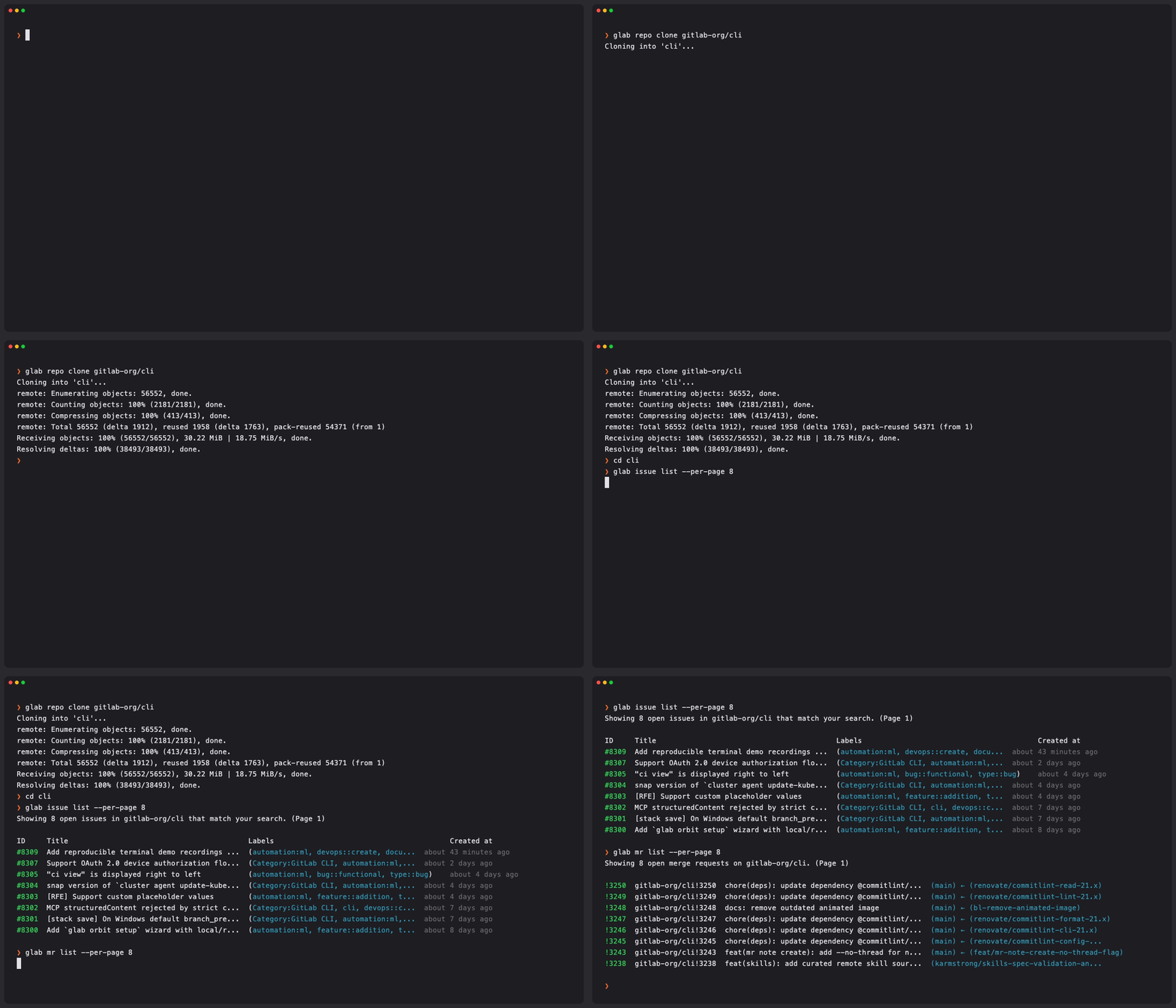
Install the CLI
Installation instructions are available in the GLab
README.
Authenticate with GitLab
GLab supports multiple authentication methods including OAuth and personal access tokens.
To get started, run glab auth login and follow the interactive setup.
For detailed authentication instructions, see Authenticate with GitLab.
Pagination
Commands that return lists of items are paginated. Use --page and --per-page to
navigate results. These commands respect the pagination limits configured on your
GitLab instance.
Environment variables
For every environment variable glab reads, see
environment variables.
Options
  -h, --help      Show help for this command.
  -v, --version   Show glab version information.
Commands
For the list of top-level glab commands, see Commands.
Report issues
Open an issue in the gitlab-org/cli repository
to send us feedback.